
Maternity Top-Up Excel Template – Free (2026)
2
Free download
Track Canadian ACB, transactions, fees, running units, and capital gains or losses in one Excel sheet.
Download template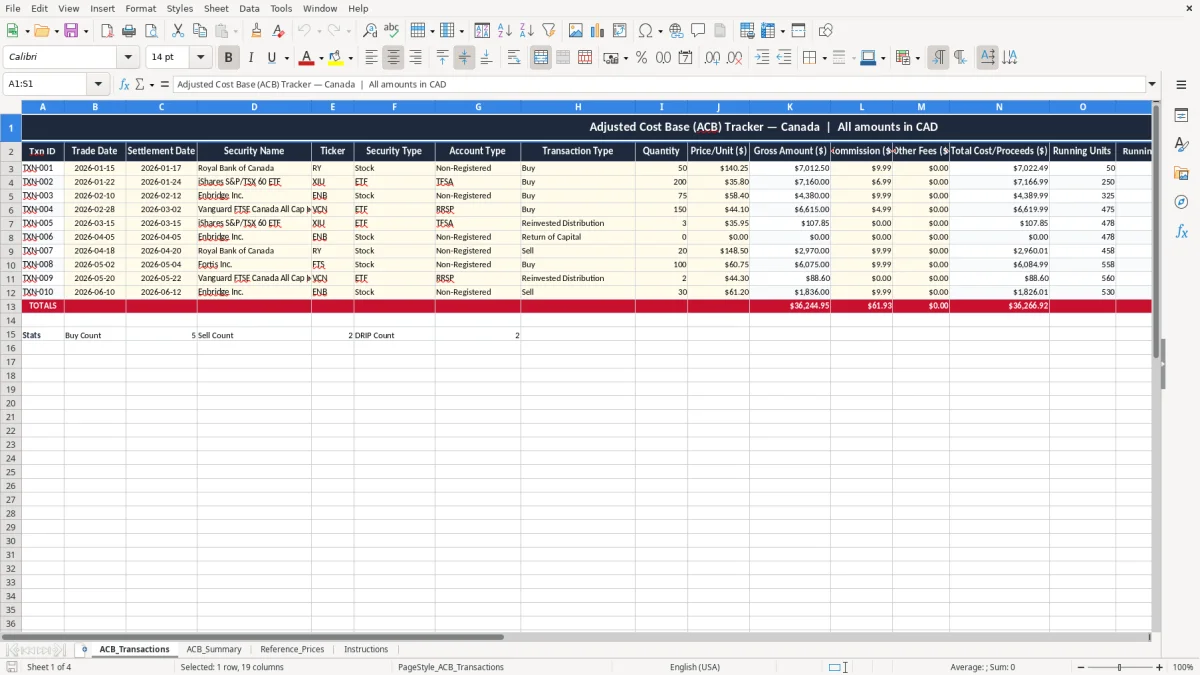
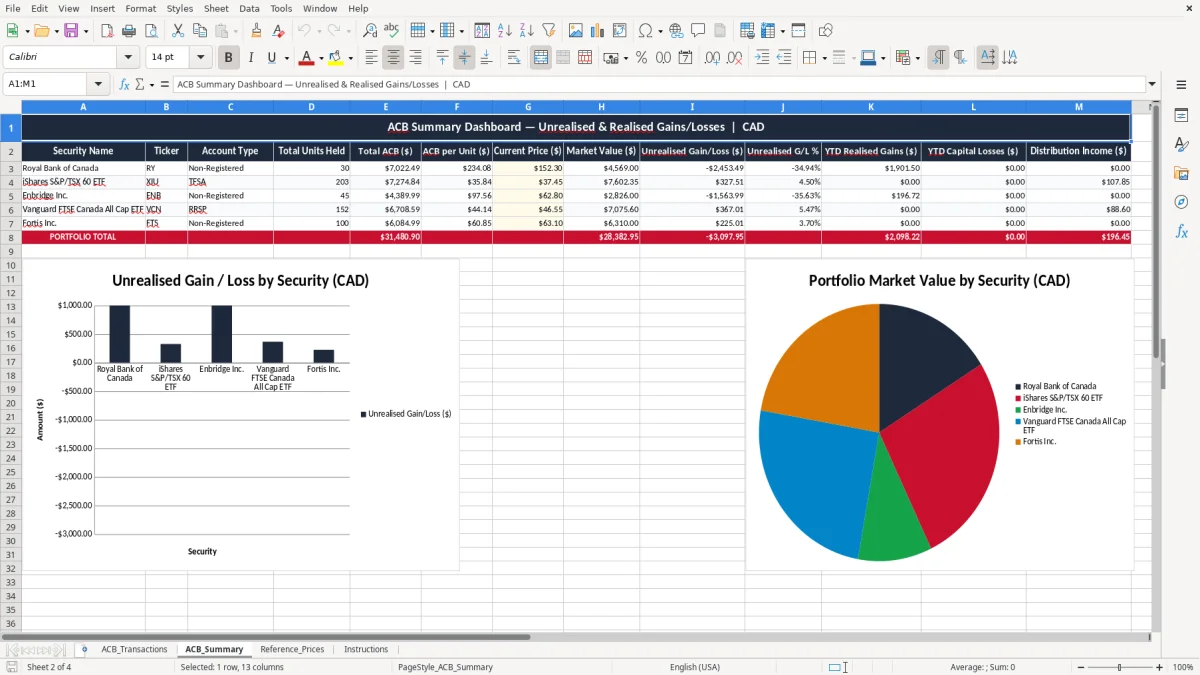
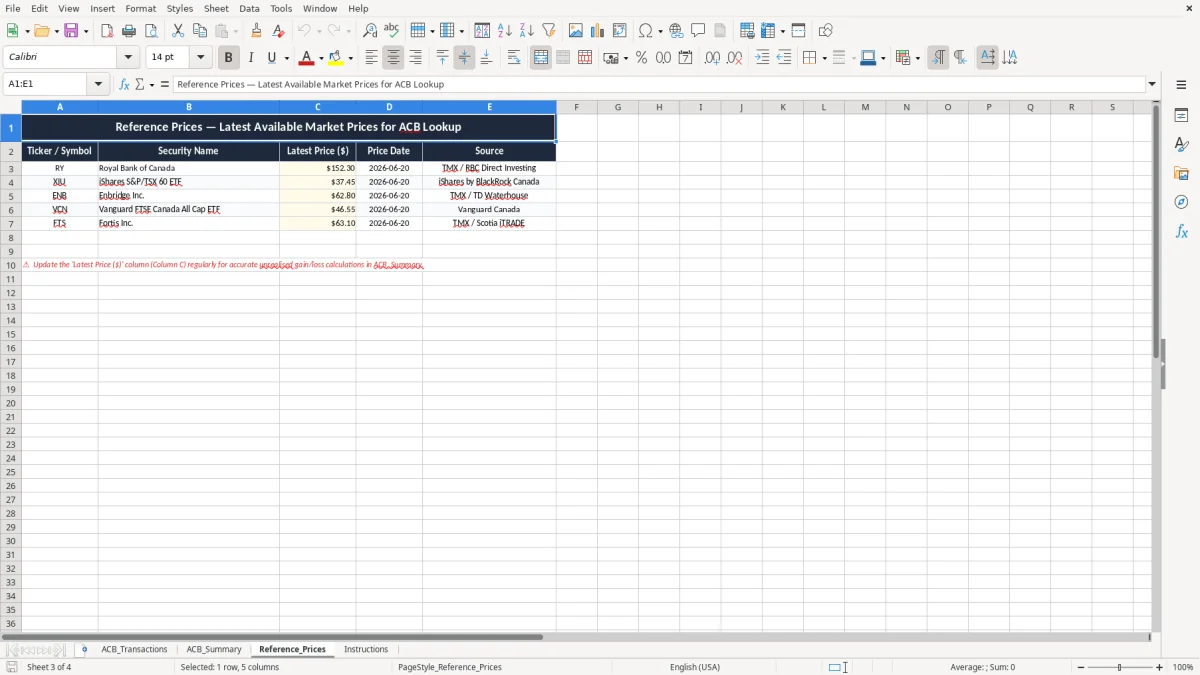
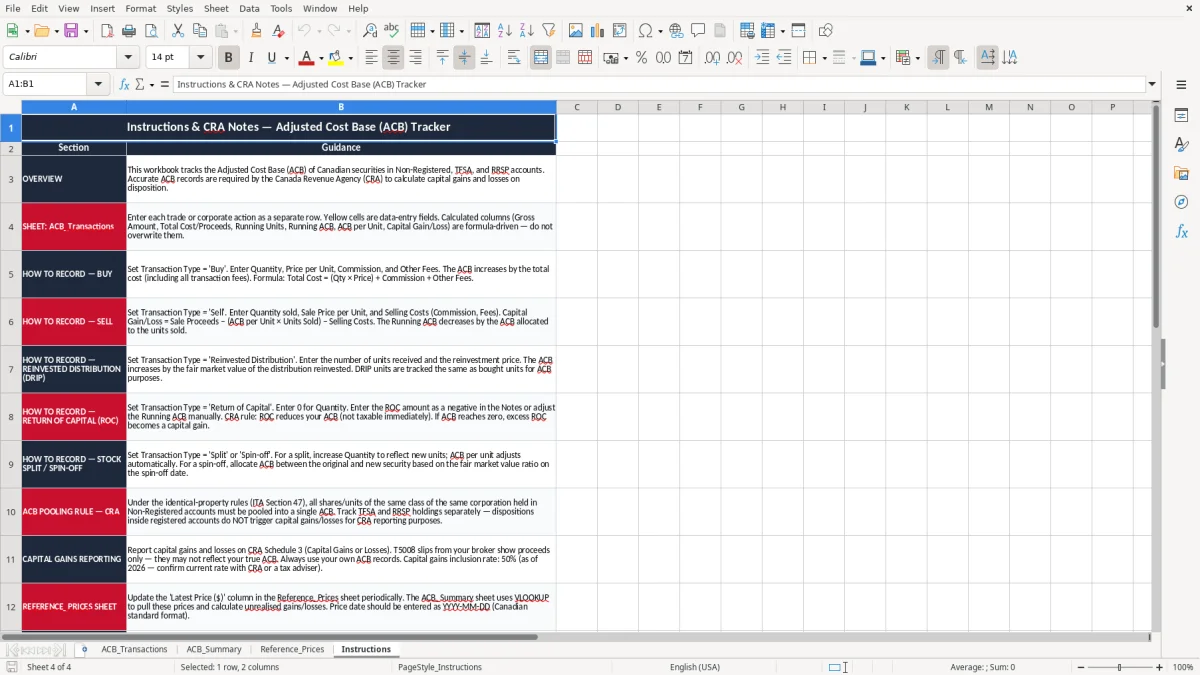
This ACB tracker Excel template records each buy, sell, and adjustment in one place so you can calculate adjusted cost base, running units, and capital gain or loss in CAD. It includes ACB_Transactions, ACB_Summary, Reference_Prices, and Instructions.
Use it when you buy stocks, ETFs, mutual funds, or other taxable securities and need a clean record for tax time. The layout is built for Canadian investors who want the numbers ready before they fill in their Schedule 3 or hand the file to their accountant.
Image 1 shows the transaction ledger with trade date, settlement date, fees, total cost or proceeds, running ACB, and ACB per unit. The other sheets pull those entries into a summary, reference prices, and a short guide.
This template is for the person who actually has to prove the numbers later: a self-directed investor, a bookkeeper helping a shareholder, or a family tracking a non-registered account before tax season. If you buy 100 ETF units at $22.50, then sell 40 units three months later, you need the original purchase price, the commission, and the reduced unit balance in one place.
You use it after each trade, not just at year-end. A month with 12 buys and 3 sells can get messy fast, especially when one account reinvests distributions and another has foreign securities with separate fees.
Image 1 shows the ACB_Transactions sheet with columns for Txn ID, trade date, settlement date, security name, ticker, transaction type, quantity, price per unit, gross amount, commission, other fees, total cost or proceeds, running units, running ACB, ACB per unit, capital gain/loss, and notes. That is the working ledger you update row by row.
For a practical example, 250 shares bought at $18.00 plus a $9.95 commission give a cost base of $4,509.95. If you later sell 80 shares, the sheet lets you see the remaining units and the per-unit base instead of guessing from an old confirmation slip.
The CRA expects you to keep enough detail to support every capital gain and capital loss you report. In Canada, that means trade confirmations, dates, quantities, fees, corporate actions, and an ACB history you can explain if a review comes up years later.
Keep the support for at least six years after the end of the tax year it relates to. If you sold shares on 2026-11-15, keep the trade slip, your ACB worksheet, and any adjustment notes until the end of 2032.
A notes app will not reliably separate gross proceeds from fees, and that is where people go wrong. If you sell $12,000 of stock and pay $14.95 in commission, that fee changes the gain; ignore it and you overstate taxable income.
If you hold more than one account, the same security must be tracked consistently across each one. A taxable account, a spousal account, and a corporate account are not interchangeable, so a single workbook with clear account type fields is the safer choice than scattered tabs or paper files.
The most common error is treating the purchase price as the whole cost base and forgetting fees. On a $25,000 ETF purchase with a $9.95 commission, that seems small, but across 20 trades it can shift your gain by hundreds of dollars.
Another problem is not adjusting units after a partial sale. If you bought 1,000 units and later sold 300, the remaining 700 units must carry the correct remaining ACB; if they do not, every later sale is wrong.
Splits, consolidations, return of capital, and reinvested distributions are the places where a casual spreadsheet falls apart. A 2-for-1 split doubles the units and halves the per-unit ACB; if you miss that step, the next sale can show a false gain or loss by a wide margin.
I have seen investors discover in March that a December sale was based on the wrong average cost because they mixed up settlement date and trade date. That can mean a tax slip correction, extra bookwork, and a return that needs to be amended before the numbers line up.
That same kind of mistake can also distort a registered drawdown plan when withdrawals, withholding tax, and income timing are not tracked against the right dates.
The file works best when you enter trades as they settle instead of waiting for a pile of confirmations in December. A 10-minute weekly update is usually enough for a small portfolio with 5 to 15 trades a month.
If you are entering dozens of trades a day, handling options, or managing several related accounts, a spreadsheet becomes slow and error-prone. At that point, a portfolio system or a broker export with stricter controls is the better tool, but for a normal Canadian investor this workbook is a solid working file.
The habit that keeps it useful is simple: record the trade, confirm the fee, and update the ACB before the next purchase changes the average again.